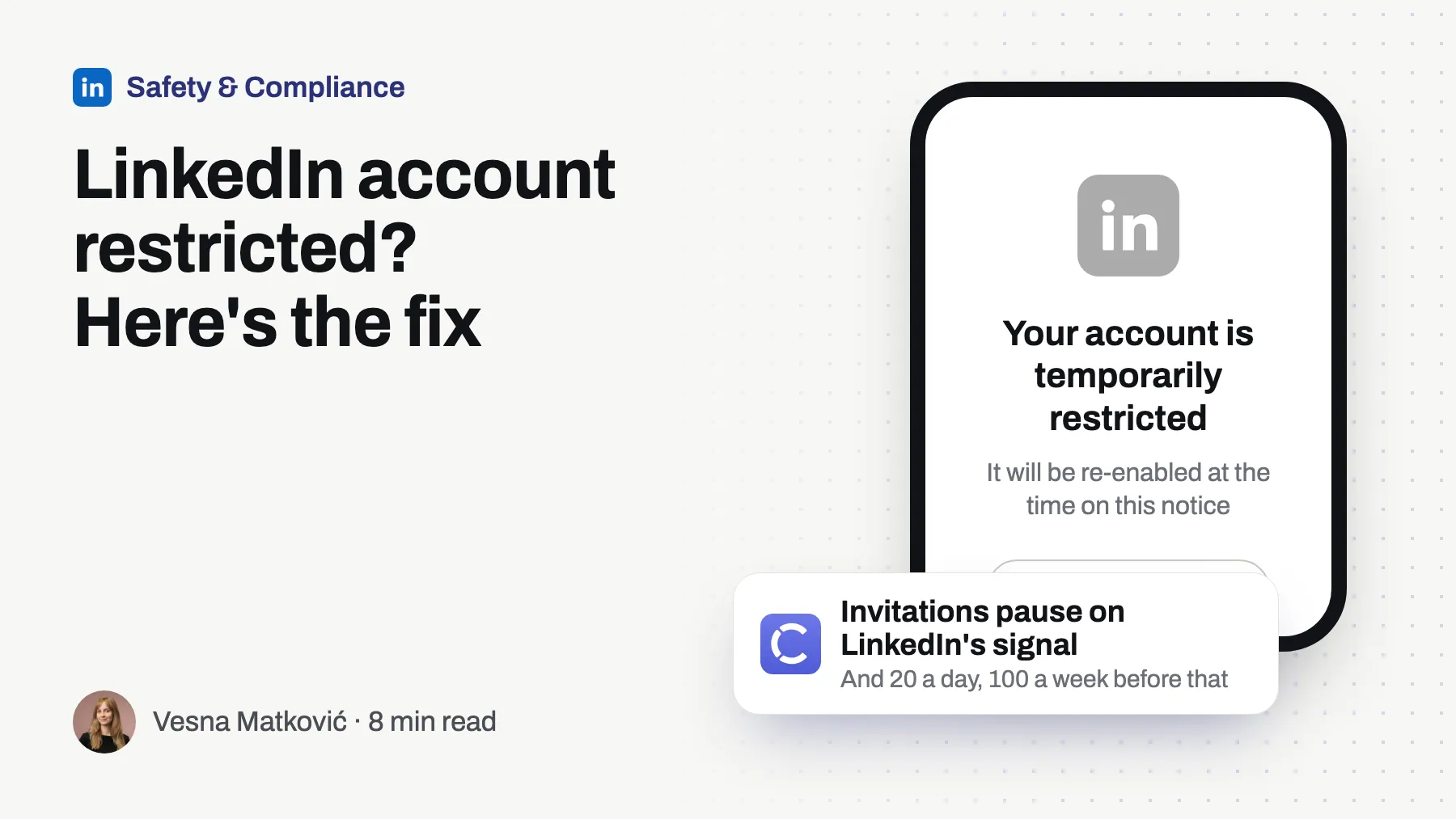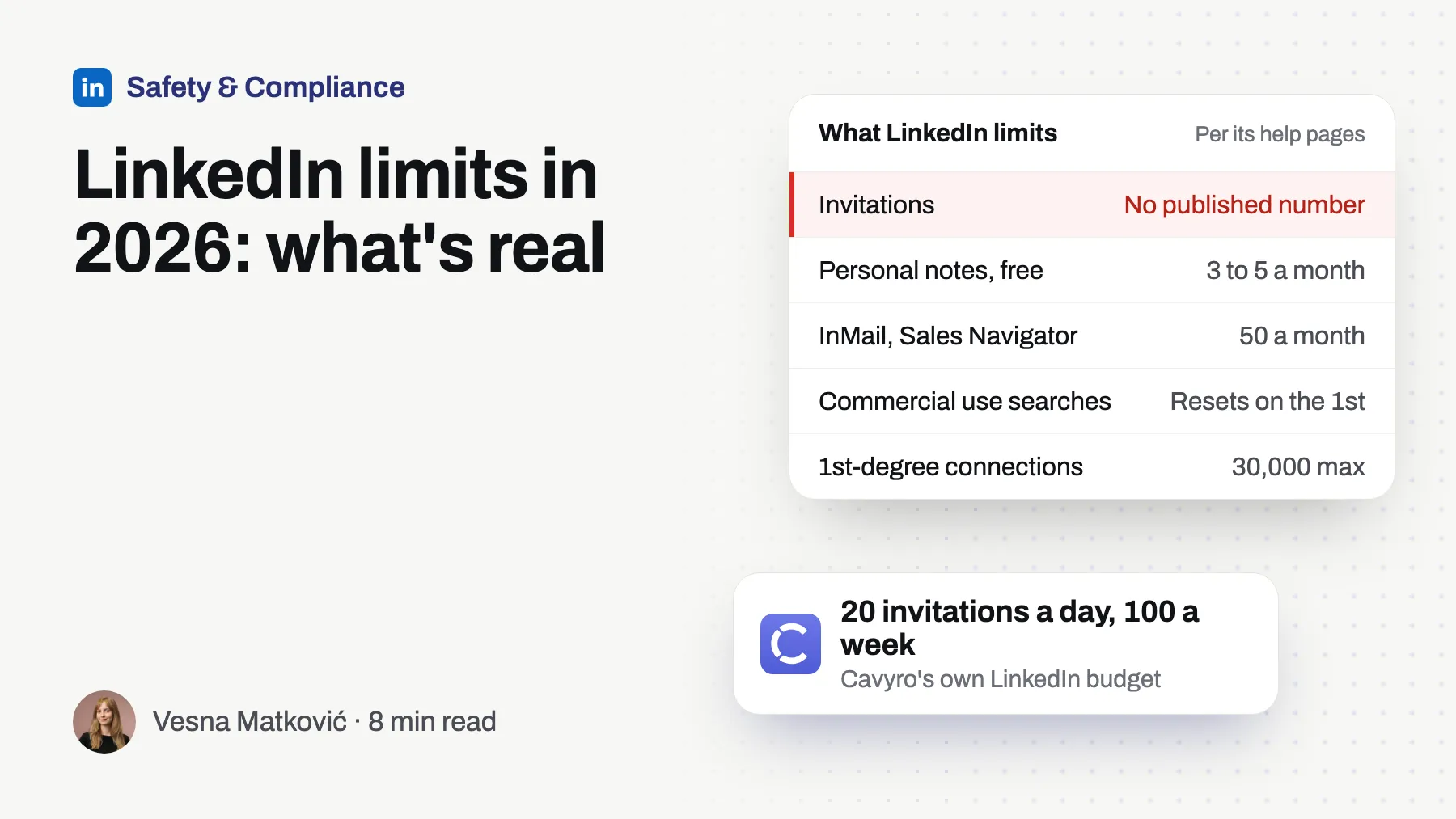
LinkedIn doesn’t publish a weekly invitation limit. Every number you’ve seen (“100 a week”, “200 for Premium”) comes from tool vendors, not from LinkedIn. What LinkedIn does say: if you send too many invitations, or too many of them are ignored or marked as spam, your account “may be temporarily restricted from sending invitations”, and that restriction “typically lasts one week”. Free accounts can add a personal note to a handful of invitations a month, InMail credits depend on your plan, and searches and profile views have their own limits.
The rest of this guide lists every limit LinkedIn documents, quoted from its help pages and checked on 15 November 2026, and what to do when you hit one. We build a CRM that connects LinkedIn accounts, so we have to keep inside these limits for our users every day.
The weekly invitation limit
Here is everything LinkedIn’s invitation limit page commits to: “All LinkedIn members, including those with Basic and Premium accounts, are subject to these limits.” No number. Premium doesn’t remove the limit.
What triggers it, from LinkedIn’s page on invitation restrictions:
- “You’ve sent many invitations within a short amount of time.”
- “Many of your invitations have been ignored, left pending, or marked as spam by the recipients.”
- “If you send an excessive number of invitations and we suspect the use of an automation tool, we may suspend or restrict your account.”
The second bullet is the one people miss. The limit isn’t only about volume. Invitations nobody accepts count against you, which is why a cold list hits the wall long before a warm one.
How long an invitation restriction lasts
“Most restrictions will automatically be removed within one week.” LinkedIn’s page gives a rough ladder:
- First restriction: wait a few hours.
- Several restrictions in one day: wait a few days.
- Too many outstanding invitations: up to a month.
And the rules while you wait: withdrawing pending invitations doesn’t lift it, you can’t buy more invitations, and LinkedIn support can’t shorten it or tell you the exact reason. Once you withdraw an invitation, you can’t invite the same person again for up to three weeks.
The hard ceiling on your network is 30,000 first-degree connections.
Personalized notes on invitations
Free accounts get a small monthly allowance of invitations with a note, and LinkedIn’s own pages disagree on how small. The newest page says three a month, up to 200 characters each. Another says five. Plan on three.
Premium members can add a note to every invitation (300 characters on Premium, per an older help page), though the invitation limit itself still applies.
InMail credits by plan
InMail is how you message people you aren’t connected to. From LinkedIn’s InMail credits page:
| Plan | New credits a month | Most you can hold |
|---|---|---|
| Premium Career | 5 | 15 |
| Premium Business | 15 | 45 |
| Premium All-in-One | 30 | 90 |
| Sales Navigator (every tier) | 50 | 150 |
| Recruiter Lite | 30 | 120 |
There’s no plan with unlimited InMail. An InMail that gets a reply within 90 days gives you the credit back, so a well-aimed InMail costs nothing. Sales Navigator credits renew on the first of each month, UTC.
Messages to your connections
LinkedIn publishes no cap on messages to your first-degree connections. The rule it does publish is about patterns: “sharing high volumes of messages, comments, posts, or other content in a short period of time” can lead LinkedIn to limit your visibility or restrict your account. In practice, a hundred near-identical messages in an hour looks like a tool, and LinkedIn treats it like one.
The commercial use limit on search
Free accounts that search like a recruiter or a salesperson hit the commercial use limit. LinkedIn decides from your activity that you’re “likely using LinkedIn for commercial use, like hiring or prospecting”, and stops showing results.
- It resets at midnight Pacific time on the first of each month.
- LinkedIn won’t tell you how many searches you have left, and won’t lift it on request.
- People searches and “People also viewed” count. Searching a name in the top bar, browsing your own connections and job searches don’t.
- Premium Business, Sales Navigator and Recruiter Lite remove it.
LinkedIn adds that browser plug-ins and other tools that search or view profiles “may impact” your limits.
The profile view limit
Separate from search, there’s a daily data security limit on profile views. View too many profiles of people you aren’t connected to and you “will temporarily be unable to view profiles of members who are not your connections.” Your connections’ profiles stay visible. LinkedIn publishes no number and won’t lift it early.
What gets an account restricted
Everything above limits one action. An account restriction locks the whole account, and LinkedIn names four groups of reasons: content, profile, identity and automated tools. The automation rule is blunt: LinkedIn doesn’t allow “third-party software or browser extensions that scrape, modify the appearance of, or automate activity”, and its User Agreement (section 8.2) bans “bots or other unauthorized automated methods” for sending messages and adding contacts.
We wrote a separate guide on what to do if it’s already happened: LinkedIn account restricted.
How to stay inside LinkedIn’s limits
- Invite people who’ll recognize you. Accept rate is part of the limit. Someone you met, someone who engaged with your post, a mutual connection’s intro.
- Withdraw old pending invitations every few weeks, before they pile up. Mind the three-week wait before re-inviting.
- Spread invitations across the week. Twenty a day beats a hundred on Monday.
- Use your notes where they count. With three a month on a free account, save them for the invitations that need context.
- Let InMail pay for itself. Write fewer, better ones; replies refund the credit.
- Message connections like a person. Different text for different people, sent over hours.
Where Cavyro fits
Cavyro is a CRM for teams that sell in chat. Your LinkedIn account sits in the same inbox as WhatsApp, Instagram, Messenger, Telegram and Gmail, with Classic messages, Sales Navigator, Recruiter and the company pages you manage each showing up as their own inbox. Every conversation lands on a contact and a deal.
Since LinkedIn won’t publish its numbers, we set our own, low on purpose, per account:
- 20 invitations a day and 100 a week, on their own budget, with a note of up to 300 characters.
- When LinkedIn says “not yet” to an invitation, invitations from that account pause for a day.
- 30 new conversations and 100 messages a day, with automated sends spaced 20 to 40 seconds apart. Replies you type go out at once.
- 50 profile looks a day for anything Cavyro needs to read.
- When LinkedIn pushes back on sending, that account stops sending for everyone, automations included, until LinkedIn’s wait is over.
An automation can start the moment someone accepts your invitation, so the follow-up happens while you’re still on their mind, and the deal is already on the pipeline.
What we can’t do: make LinkedIn’s terms go away. Any tool that connects to your LinkedIn account, Cavyro included, sits in territory LinkedIn’s User Agreement restricts, so the risk is never zero. We keep it low by acting like a busy person, not a machine, and by telling you the numbers.
FAQ
What is LinkedIn’s weekly invitation limit?
LinkedIn doesn’t publish one. It says every member, free or Premium, is subject to invitation limits, and that sending many invitations quickly, or having many ignored or marked as spam, can restrict invitations for about a week. Figures like “100 a week” come from tool vendors, not LinkedIn.
How long does a LinkedIn invitation restriction last?
LinkedIn says most lift automatically within a week. A first restriction can clear in a few hours, several in one day take a few days, and too many outstanding invitations can mean up to a month. Withdrawing invitations doesn’t lift it, and support can’t shorten it.
How many personalized invitations can I send on a free account?
A few a month. LinkedIn’s newest help page says three a month with notes up to 200 characters; an older page says five. Premium members can add a note to every invitation, though the overall invitation limit still applies.
How many InMails do I get on LinkedIn?
Premium Career gets 5 a month, Premium Business 15, Premium All-in-One 30, Sales Navigator 50 and Recruiter Lite 30. Unused credits roll over up to a cap, and an InMail answered within 90 days returns its credit.
When does the LinkedIn commercial use limit reset?
At midnight Pacific time on the first of each calendar month. LinkedIn won’t show how many searches you have left or lift the limit on request. Premium Business, Sales Navigator and Recruiter Lite don’t have it.