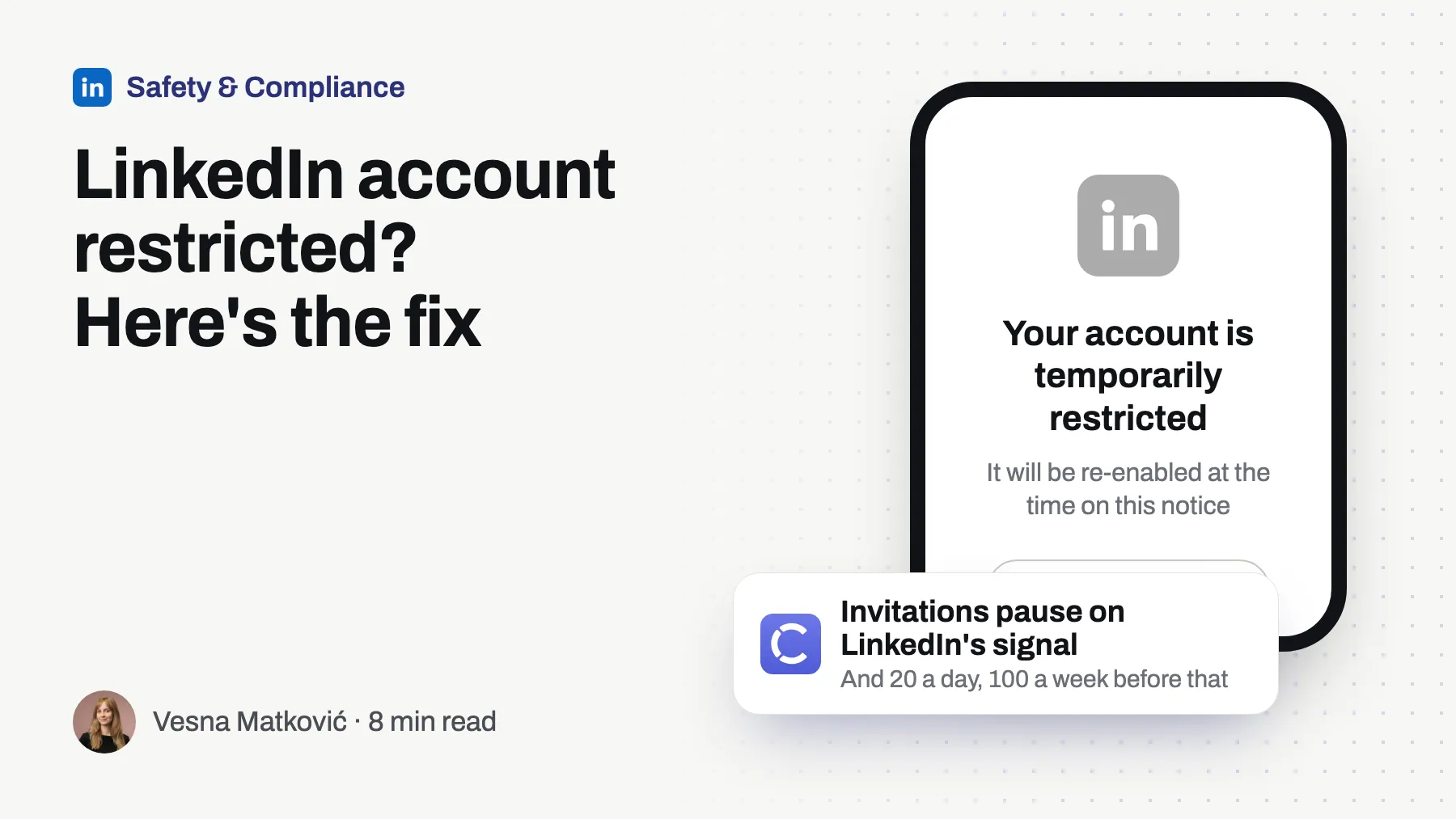
A restricted LinkedIn account usually means LinkedIn saw activity that breaks its User Agreement: automation tools or browser extensions, a burst of invitations people ignored, content it removed, or signs the account was compromised or isn’t who it says it is. Log in and follow the prompts. If the notice gives a time, the account comes back on its own then. If LinkedIn asks you to verify your identity, do it, through its partner Persona. Repeated temporary restrictions can become permanent, so fix the cause before the account comes back.
“Restricted” covers five different situations on LinkedIn, and the fix for each is different. Below: how to tell which one you have, what LinkedIn asks of you, and how to sell on LinkedIn without a repeat. We build a CRM that connects LinkedIn accounts, so this is a topic we read LinkedIn’s help pages on more than we’d like. Everything here was checked against them on 15 November 2026.
Five kinds of LinkedIn restriction
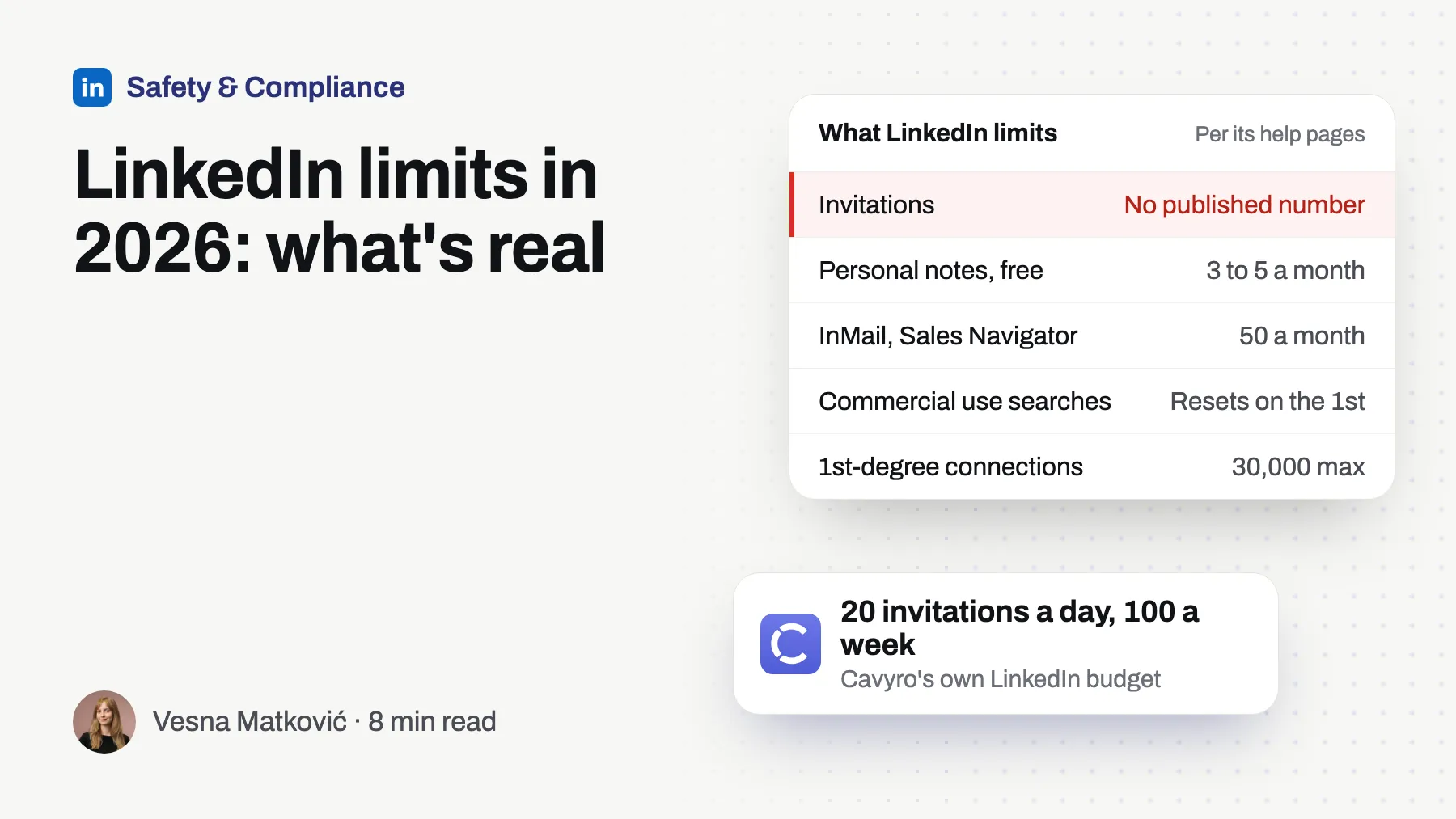
1. You can’t send invitations. The narrowest one. You sent many invitations quickly, or many were ignored or marked as spam. LinkedIn says it “typically lasts one week”. Everything else on your account works. Details in our LinkedIn limits guide.
2. Search stops showing results. That’s the commercial use limit on free accounts. It resets at midnight Pacific time on the first of the month. Not a restriction on you, a cap on free prospecting.
3. You can’t view profiles outside your network. The daily profile view limit. It lifts on its own, and your connections stay visible.
4. Your whole account is restricted. You can’t use LinkedIn until it’s resolved. This is the one people mean by “LinkedIn restricted my account”, and the rest of this guide is mostly about it.
5. It’s permanent. LinkedIn’s page on permanent restrictions: you “will not be able to use your account”, and other people can no longer find your profile or message you. LinkedIn notes that “repeated temporary restrictions may result in permanent restriction”, and some serious violations go straight there.
Why LinkedIn restricts accounts
LinkedIn groups the reasons into four kinds of violation: content, profile, identity and automated tools.
Automation tools and browser extensions
The most common cause for anyone in sales. LinkedIn’s page on prohibited software says it doesn’t permit “any third party software, including ‘crawlers’, bots, browser plug-ins, or browser extensions that scrape, modify the appearance of, or automate activity on LinkedIn’s website.” Its User Agreement, section 8.2, bans using “bots or other unauthorized automated methods” to add contacts or send messages, and using someone else’s account “such as sharing log-in credentials or copying cookies”.
That covers more than outreach robots. Profile scrapers, email finders that read LinkedIn pages, and extensions that redesign the feed all qualify.
Invitations people didn’t want
Sending a lot of invitations to people who ignore them or report them restricts invitations first. LinkedIn’s community policies also say plainly: “Do not use our invitation feature to send promotional messages to people you don’t know.”
A fake or doubtful identity
“We don’t allow fake profiles or entities.” Profiles with a made-up name, a stock photo or several accounts for one person get restricted until identity is verified, sometimes indefinitely.
Signs of a compromised account
Logins from new places, a sudden change in behavior, mass messages you didn’t send. LinkedIn may restrict the account proactively to protect it, then ask you to secure it and verify.
Content LinkedIn removed
Posts, comments or messages that break its Professional Community Policies. Repeated violations escalate.
How to get a restricted LinkedIn account back
- Log in and read the notice. LinkedIn tells you what it needs: a wait, an identity check, or a review request. Follow the on-screen prompts; that’s the route LinkedIn’s help pages point to every time.
- If it was automation, remove the tool first. LinkedIn’s automated activity page says to “review and disable the software or extension”, after which the account “will then automatically be re-enabled at the time specified on the suspension notification”. Uninstall the extension, revoke the tool’s access, change your password if you ever gave a tool your login.
- If LinkedIn asks for ID, verify through Persona. You upload a government ID, driver’s license or passport, and possibly a selfie. LinkedIn says it receives your name, year of birth, location, ID type and a redacted copy, not biometric data, and that the data is generally deleted within 14 days. In Canada, the EU and the UK there’s also a notarized affidavit route.
- If you think it’s a mistake, ask for a review through the prompts after logging in. LinkedIn doesn’t publish how long a review takes.
- Once you’re back, slow down. Reply to messages, accept invitations, post as usual. Hold off on outreach for a week or two.
What not to do:
- Don’t open a second account to carry on. It breaks the one-person-one-account rule and LinkedIn treats it as a new violation.
- Don’t hand your login to an “unrestrict” service. Nobody outside LinkedIn can lift a restriction, and sharing credentials is itself against the User Agreement.
- Don’t reinstall the same tool the week you’re back. A second restriction is longer, and the third can be permanent.
How long does a LinkedIn restriction last?
- Invitations: usually under a week. A first one can clear in hours; too many outstanding invitations can mean up to a month.
- Commercial use: until the first of next month.
- Profile views: a day.
- Temporary account restriction: until the time on the notice, after you’ve done what it asks.
- Identity checks and reviews: LinkedIn doesn’t say.
- Permanent: permanent.
How to avoid the next restriction
- Use one tool you understand, not five you don’t. Every extension that reads or writes LinkedIn is a risk you’re taking on.
- Invite people who’ll accept. Accept rate is part of LinkedIn’s math.
- Withdraw stale invitations before they pile up.
- Write messages that only make sense for that person. Identical text at volume is the clearest automation signal there is.
- Keep a human pace. Spread activity across the day and the week.
- Turn on two-step verification, so a stolen password can’t get you restricted for someone else’s spam.
Where Cavyro fits
Cavyro is a CRM for teams that sell in chat. Your LinkedIn account sits in the same inbox as WhatsApp, Instagram, Messenger, Telegram and Gmail, and every conversation lands on a contact and a deal.
We should be direct about the risk: any tool that connects to your LinkedIn account, Cavyro included, sits in territory LinkedIn’s User Agreement restricts. We can’t make that zero. What we built is the opposite of the tools that get people restricted:
- A small budget per account. 20 invitations a day and 100 a week, 30 new conversations and 100 messages a day, 50 profile looks a day.
- A human pace. Automated sends wait 20 to 40 seconds between messages. Replies you type go out at once.
- We stop when LinkedIn says stop. If LinkedIn refuses an invitation, invitations from that account pause for a day. If it pushes back on sending, the account stops sending, for automations and people alike, until LinkedIn’s wait is over.
- No scraping, no cold lists. Cavyro doesn’t search LinkedIn for leads or harvest profiles. It works on the conversations you already have and the people you choose to invite.
And if a restriction happens anyway, the work doesn’t disappear with access to the account. Contacts, deals, notes and tasks stay in Cavyro, so you know who you were talking to and what came next.
FAQ
Why was my LinkedIn account restricted?
LinkedIn restricts accounts for automation tools or browser extensions, invitations people ignored or reported, fake or doubtful identity details, signs the account was compromised, and content that broke its policies. Narrower limits on invitations, search and profile views only block that one action.
How long does a LinkedIn account restriction last?
A temporary account restriction ends at the time shown on the notice, once you’ve done what it asks. Invitation restrictions usually lift within a week. LinkedIn doesn’t publish review times for identity checks or appeals, and repeated restrictions can become permanent.
How do I get my LinkedIn account unrestricted?
Log in and follow the prompts. Remove any automation tool or extension first. If asked, verify your identity through Persona with a government ID. If you think it was a mistake, request a review through the same prompts. Nobody outside LinkedIn can lift it for you.
Can LinkedIn permanently restrict my account?
Yes. Repeated temporary restrictions can lead to a permanent one, and some serious violations go straight there. A permanently restricted account can’t be used, and other members can no longer find the profile or message it.
Do LinkedIn automation tools get you restricted?
They can. LinkedIn’s User Agreement bans bots and unauthorized automated methods for adding contacts and sending messages, and its help pages name browser extensions that automate activity. Tools that keep to a human pace lower the risk; none removes it.